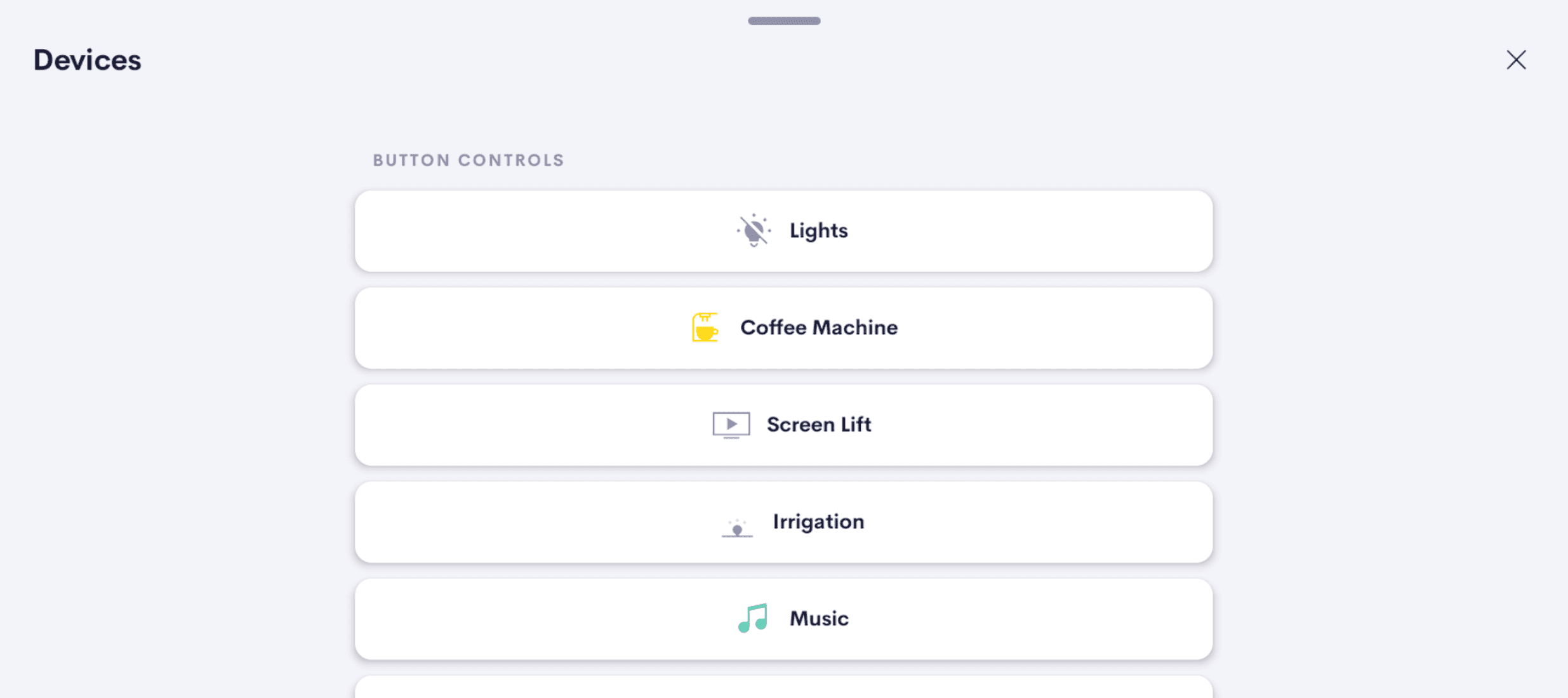
Multi Button Tile
UI Tile with multiple buttons for generic purposes.
Overview
UI Tile with multiple buttons that can be used to control devices that are supported by the Crestron Home platform.
Use Cases
Surface commands Crestron Home doesn't expose natively
Issue raw, direct commands to the processor that the standard Crestron Home UI keeps tucked away — putting advanced controls within one tap of the homeowner.
A home for the actions you reach for daily
Group the buttons a homeowner uses constantly — favorite scenes, frequent source switches, recurring routines — into one tile that's always within reach.
Tidy up scattered Quick Actions under one tile
Replace a long list of individual Quick Action shortcuts with a single, well-laid-out tile that groups related actions together — cleaner UI, easier to scan.
Build a custom remote for a single device
Group the controls a TV, projector, or AV receiver actually needs — power, input, mute, basic transport — into one tile.
A scene panel for entertaining
Pre-stage multiple 'moods' on one tile — dinner party, movie night, late-evening wind-down — each as a single button the host can trigger in sequence as the night progresses.
Features
- Configurable visibility — toggle the tile on/off at Home and Room levels independently
- Real-time button feedback synced with device status
- Custom button labels
- Icons selectable from the Crestron Icon Library
- Compatible with Quick Actions
- Button status persists across processor reboots
- Supports up to 30 buttons per tile
- Use multiple instances of this driver on one processor with a single license
Compatibility
| Crestron Home | Tested on 4.010.0260 and above |
| Processors | MC4-R, CP4-R, PC4-R, DIN-AP4-R |
| Note | Please try out the driver before purchasing and only make the purchase if you are happy with the driver. |
Screenshots
One-time purchase · Per-processor license
Fully functional for 2 hours without a license
Questions? Contact support